Custom fields: Planarama works the way you do
Add your own fields to everything: productions, dates, organisations, venues, contacts and your team. A ticket link per date, a grant file, a technical sheet, whatever you keep track of. No custom development, you set it up yourself in five minutes.
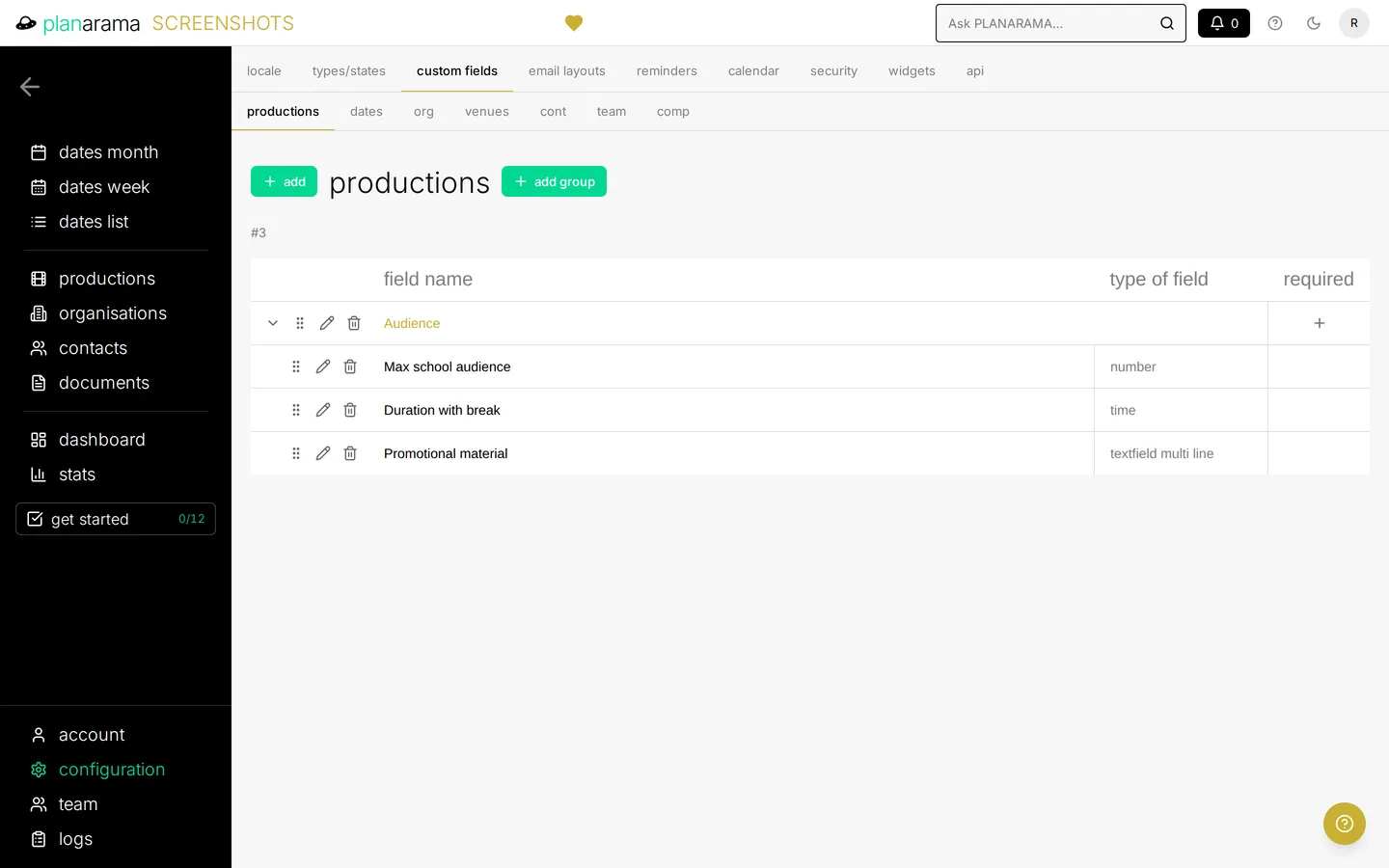
On everything you keep track of
Fields for productions, dates, organisations, venues, contacts, team members and your own company. Choose the type that fits: text, long text, number, date, time, link, e-mail, a dropdown, multiple choice or a toggle. Put them in groups so every page stays tidy.
In your lists
Show a field as a column in your lists, next to the standard columns. Sort on it and take it along in your exports.
On your calendar
Give a date field an icon. As soon as the field is filled in on a date, the icon shows on that date in the calendar, so you see at a glance which dates still miss something.
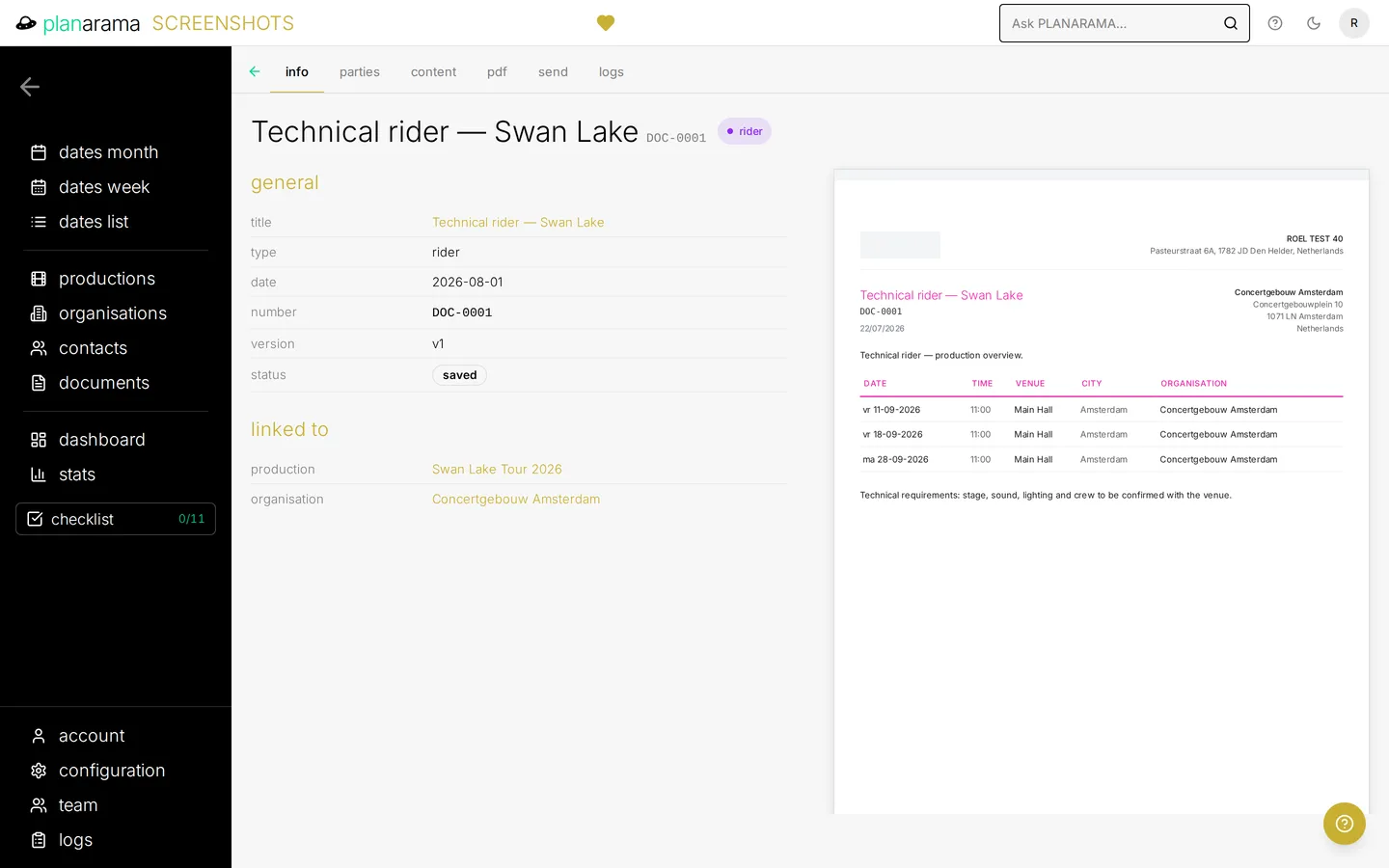
In your documents and mails
Every field can appear on your contracts, tour books and other documents, as a field in the text or as a column in the dates table. In a mail to your team, a field of a date fills itself in.
Public only when you choose
A field stays internal until you switch it on: per field you decide whether it shows on your public portal, in the agenda widget on your website or in the API. A fee or an internal note never leaves Planarama by accident.
Included from Bold. Compare plans →