Digital e-signature
Send a contract for signature from the same place you made it. Your partner opens a link, reads the PDF and signs — no account, no printer. The signed copy lands back on the document.
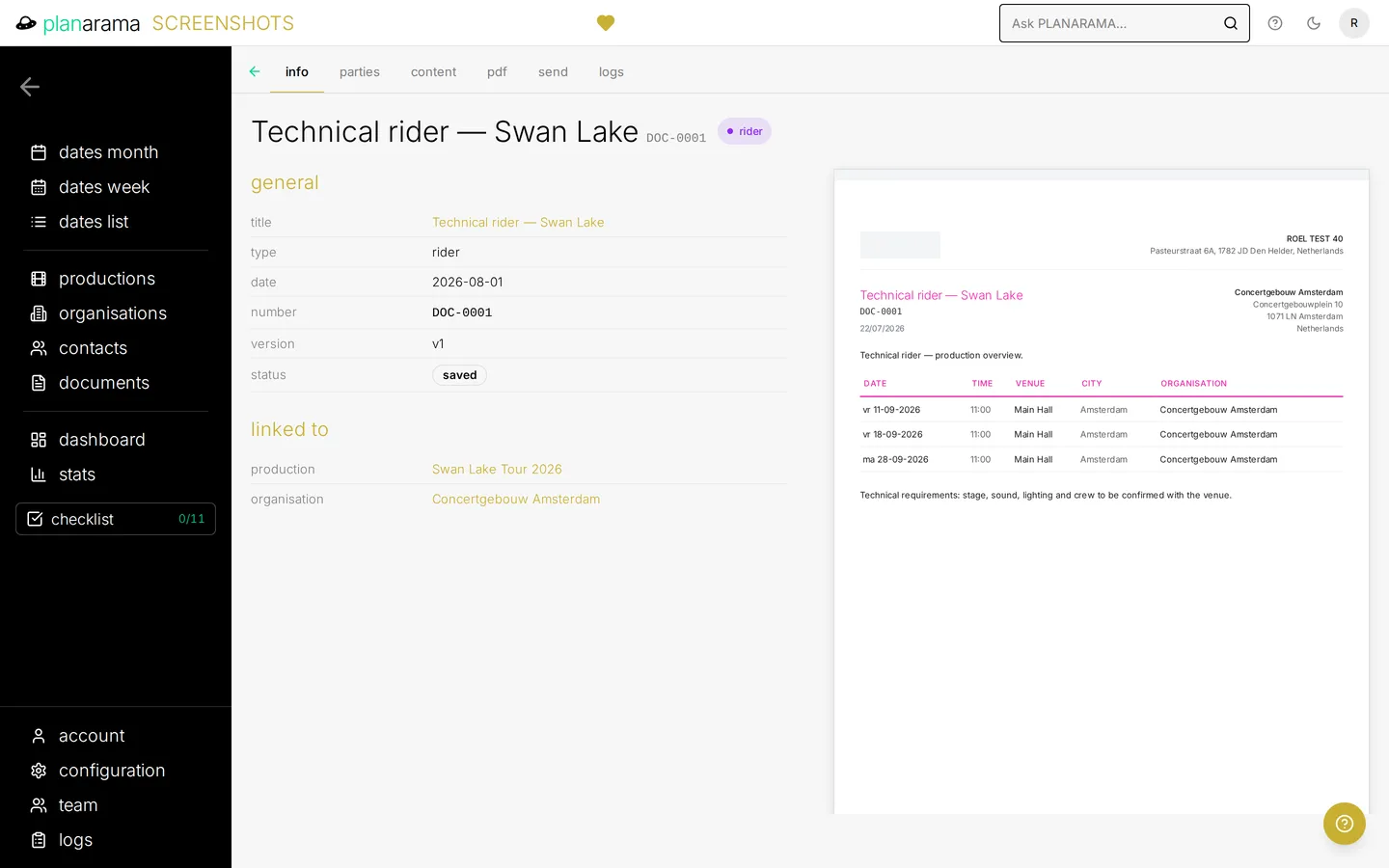
One link, no account needed
Choose "send for signature" on a document, pick the signer and send. Planarama freezes the document as a PDF at that moment, so what your partner signs is exactly what you sent. The signing link and its expiry date are always added to your message.
Sign or decline online
The signer sees the PDF and draws a signature or types their name. They can also decline, with a reason. Either way, you get a notification.
A signed PDF with a certificate page
After signing, Planarama adds a certificate page with the signer’s name, email address, the time of signing and the request number. The signed PDF becomes the current version of the document, and the document moves to your "signed" status.
Signing on paper still works
Partner prefers to print, sign and scan? Upload the signed scan on the request, and it becomes the signed version all the same.
Signatures you can rely on
A signed or declined request cannot be deleted from the app, and neither can the signed PDF. Every signature, decline and upload is written to the document’s log.
Included in Bold and Black. Compare plans →