Contracts and documents, generated from your planning
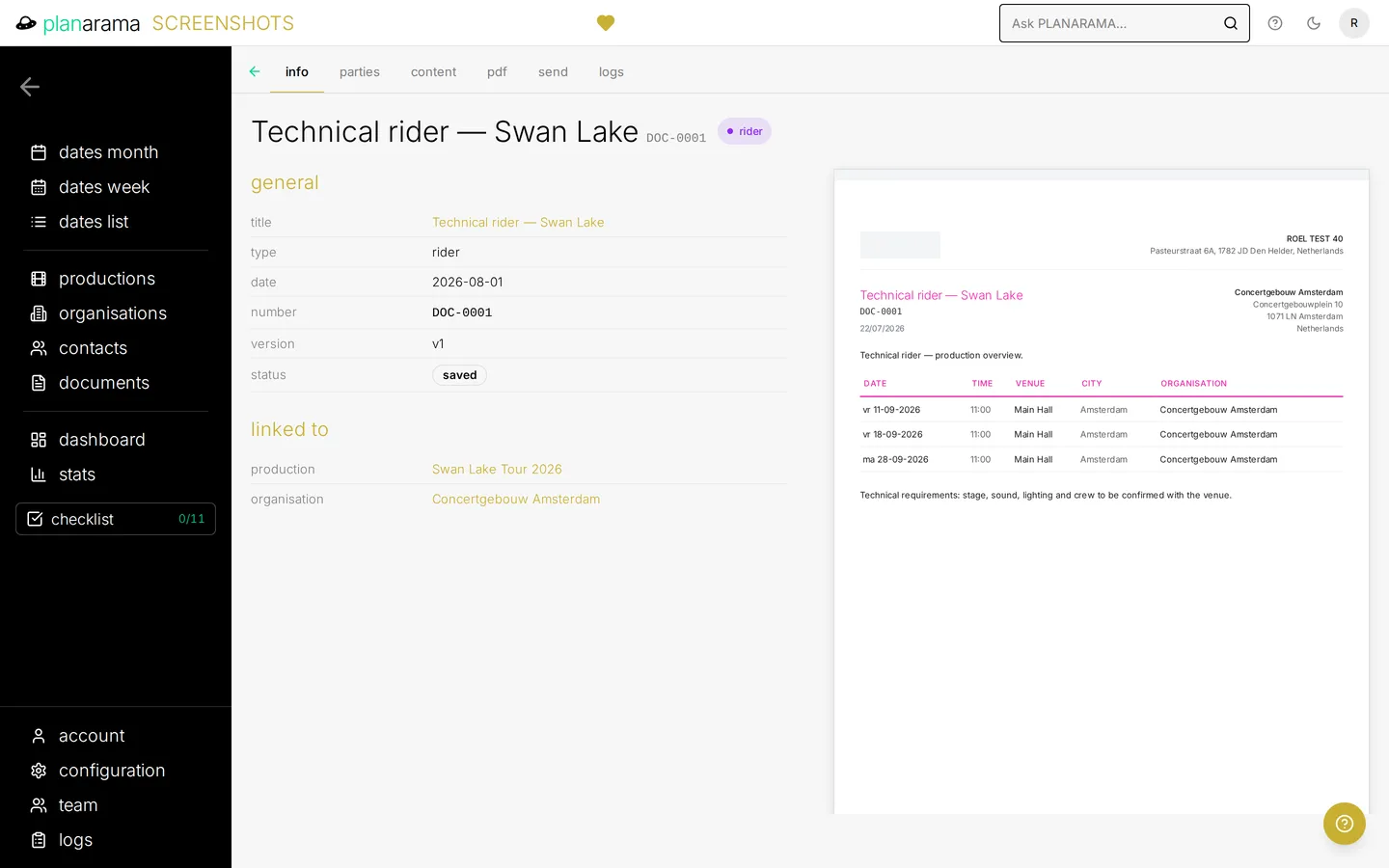
Pick a production or a date, choose a document type, and Planarama fills in the partner, the contact, the dates and the amounts. You check, adjust and send. Nothing gets typed twice.
Start from the data you already have
Your side (your company and who is responsible) and the other party (organisation, contact, production) come straight from your planning. Start a document from a date and the organisation of that date is already filled in, with only that date’s lines in the finance block.
Built from blocks
A document is a stack of blocks: dates, text, titles, date and location, contacts, team members, your own fields and finance lines. Drag them into the order you want. Each document type — contract, invoice, rider, technical sheet or one of your own — starts with its own default blocks.
Your layout, your numbering
Templates set your header, footer and fonts. Every document type has its own numbering, and Planarama makes sure a number is never issued twice.
PDF, versions and status
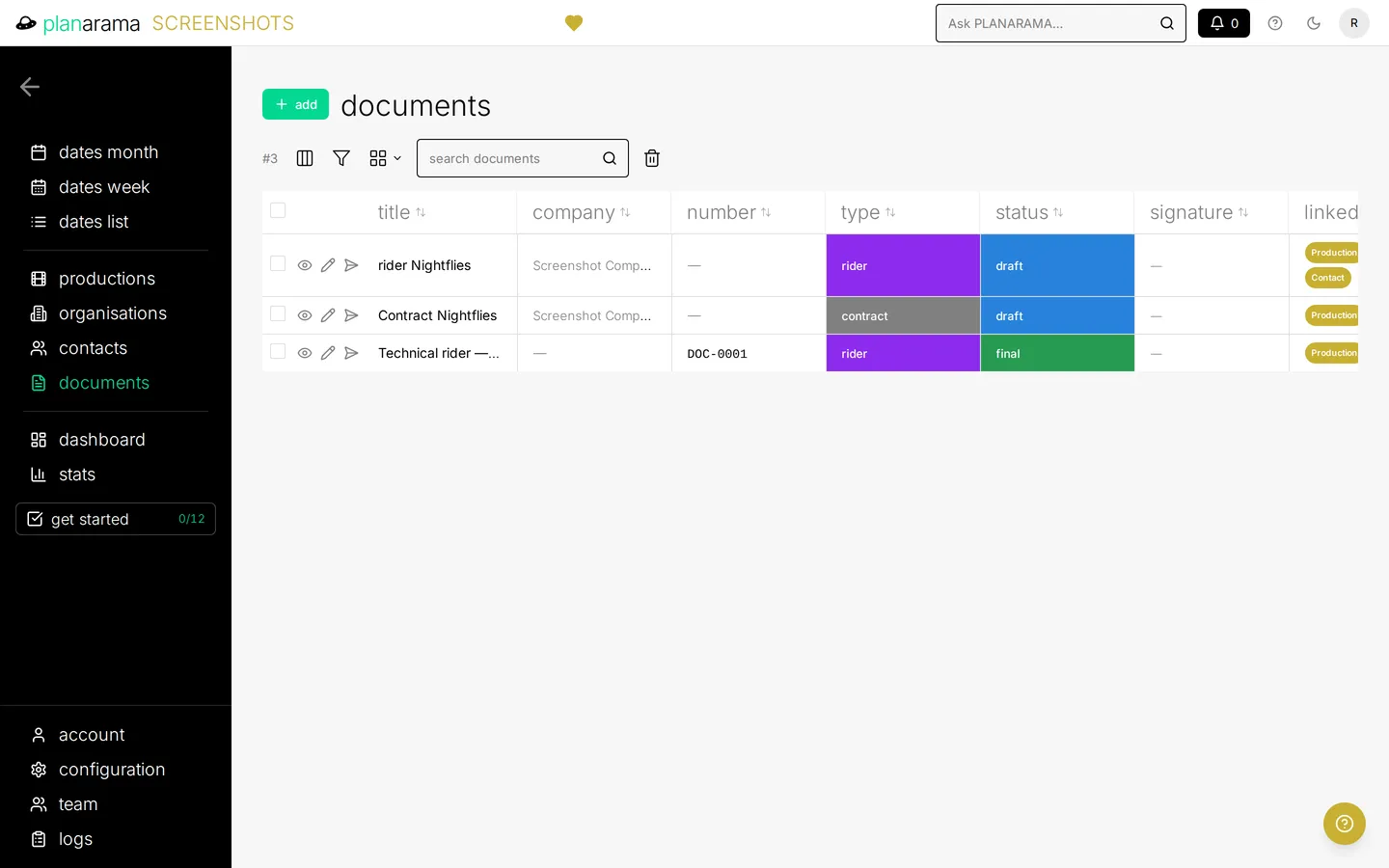
Generate a PDF in one click. Every version is kept, with a download per version. Give documents your own statuses and colours, so the team sees at a glance what is a draft, what was sent and what is signed.
Send it without leaving Planarama
Email a document straight from the workspace, to, cc and bcc. Names and production details in your message are filled in per recipient, and you preview the result before you send.
Included in Regular, Bold and Black. Compare plans →