A look inside

A look inside Planarama

Real screenshots of Planarama, filled with example data.
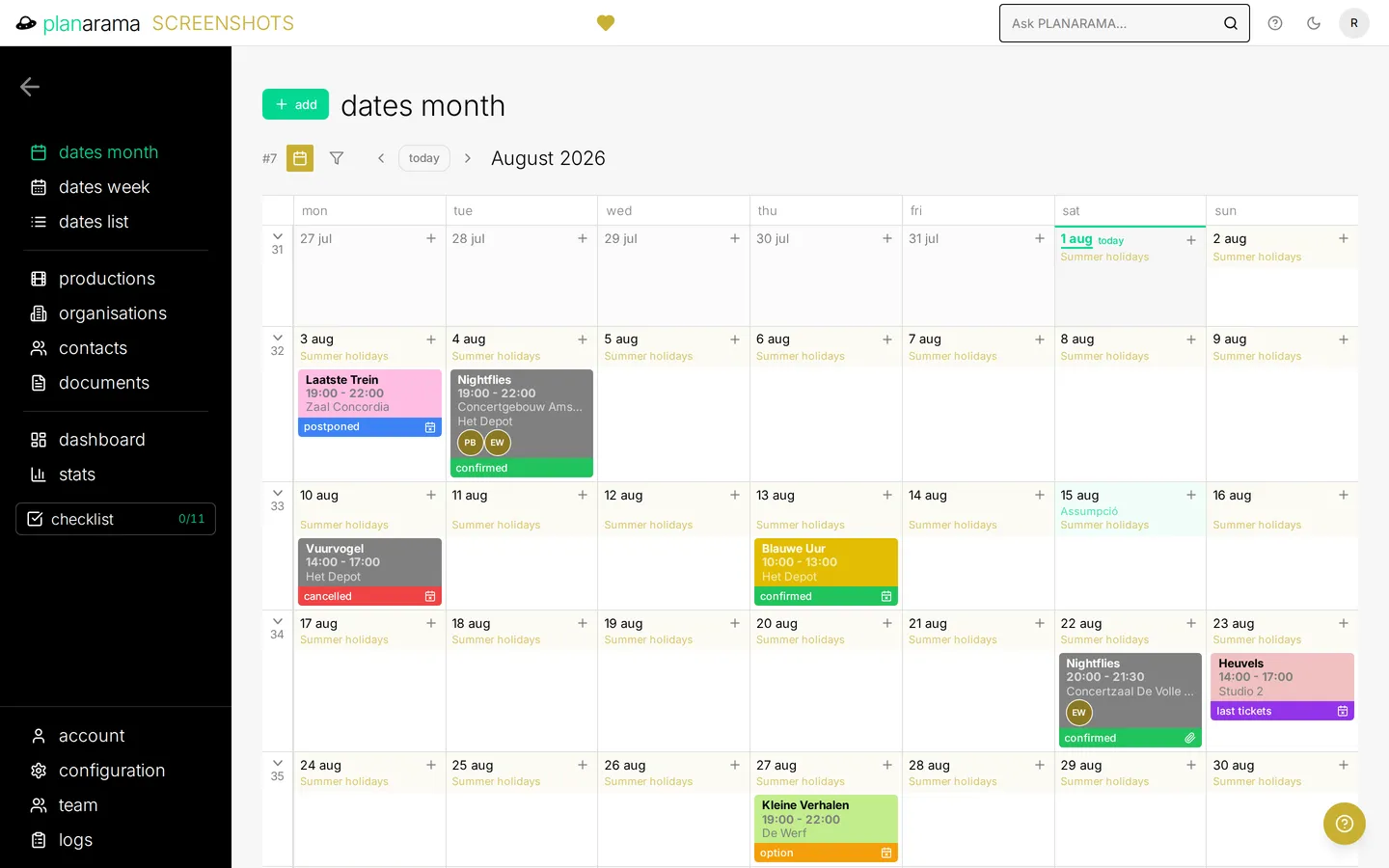
The month calendar, with the scheduled activities per day and a colour-coded status bar on each one.
dates month — Your whole month, colour-coded by production type.
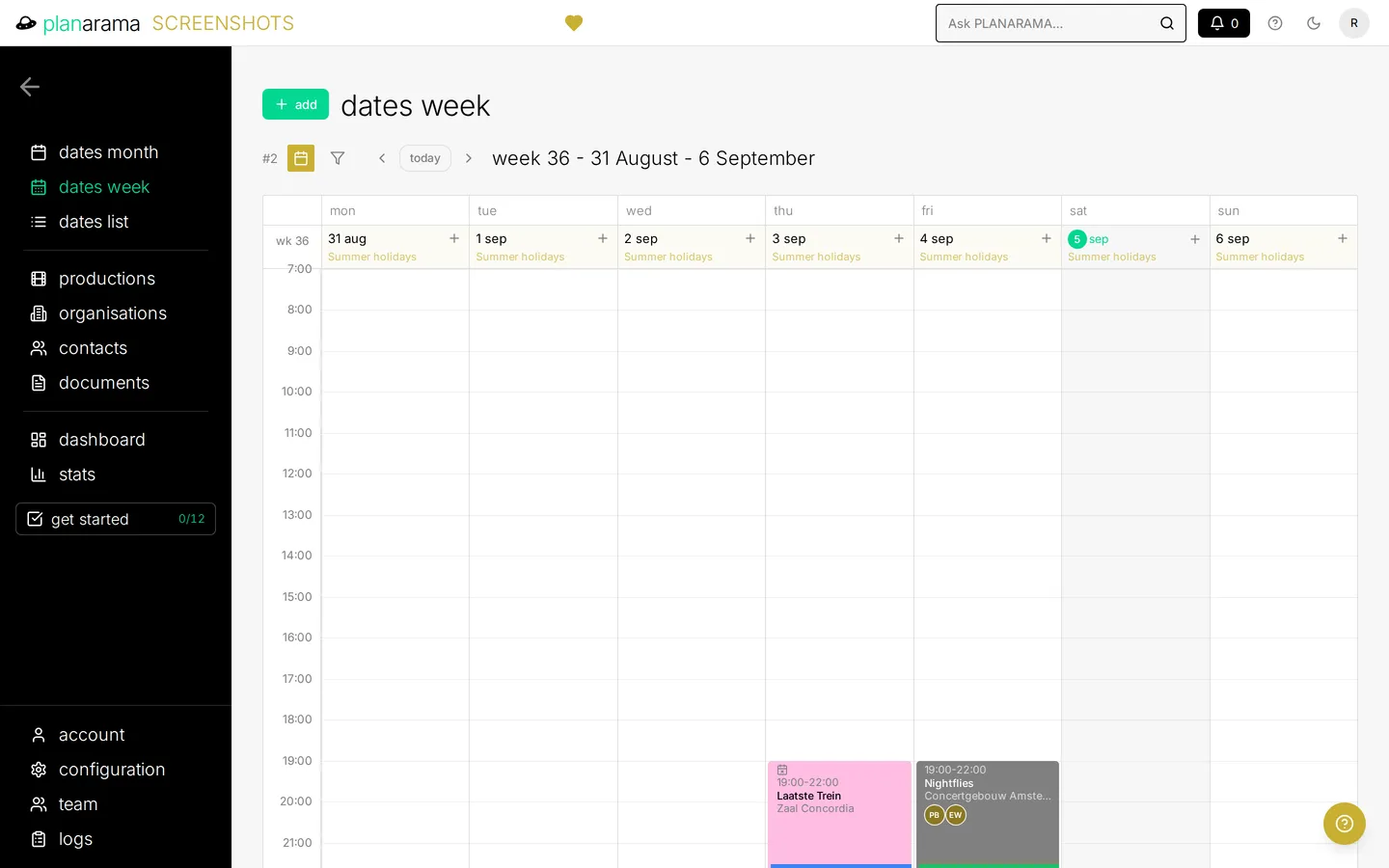
The week view as an hour-by-hour grid from Monday to Sunday, with each activity placed at its start and end time.
dates week — An hour-by-hour week grid with overlapping activities side by side.
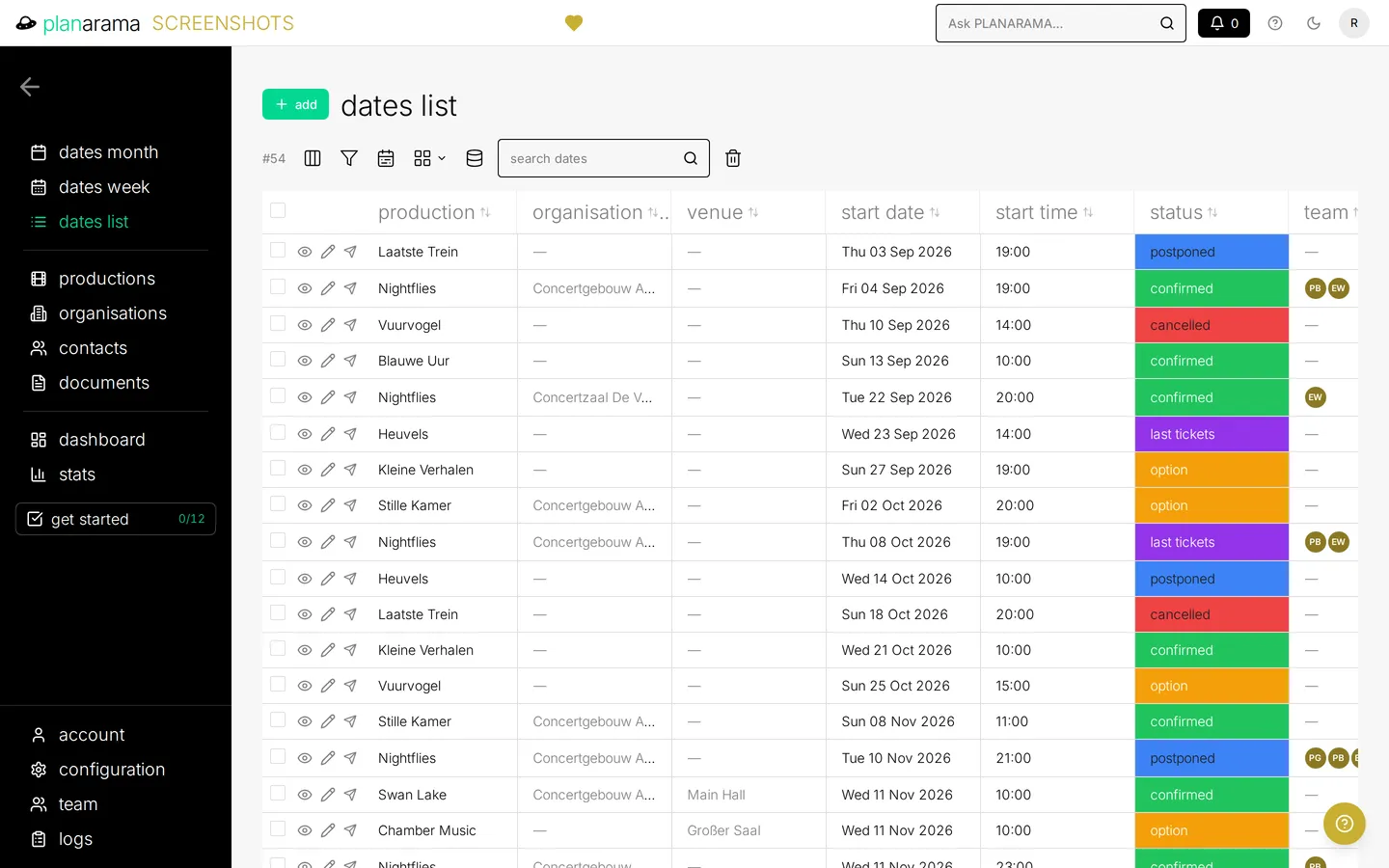
The list view of every date, sortable by production, organisation, venue, date, time and status, with colour-coded status labels.
dates list — Sort, filter and export every date; save the views you use.
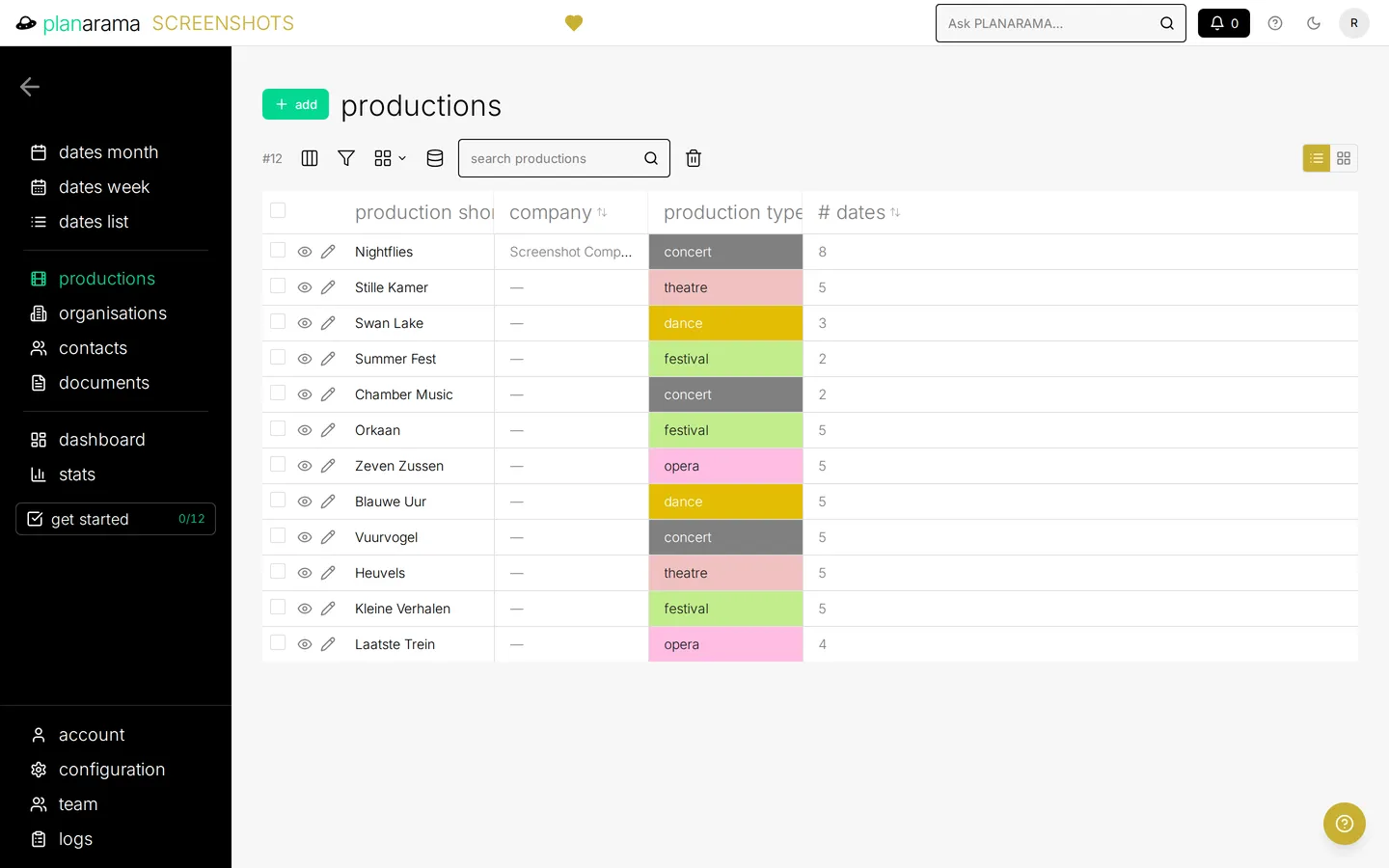
The productions overview, listing each production with its type and its number of scheduled dates.
productions — Every production in one place, with types and date counts.
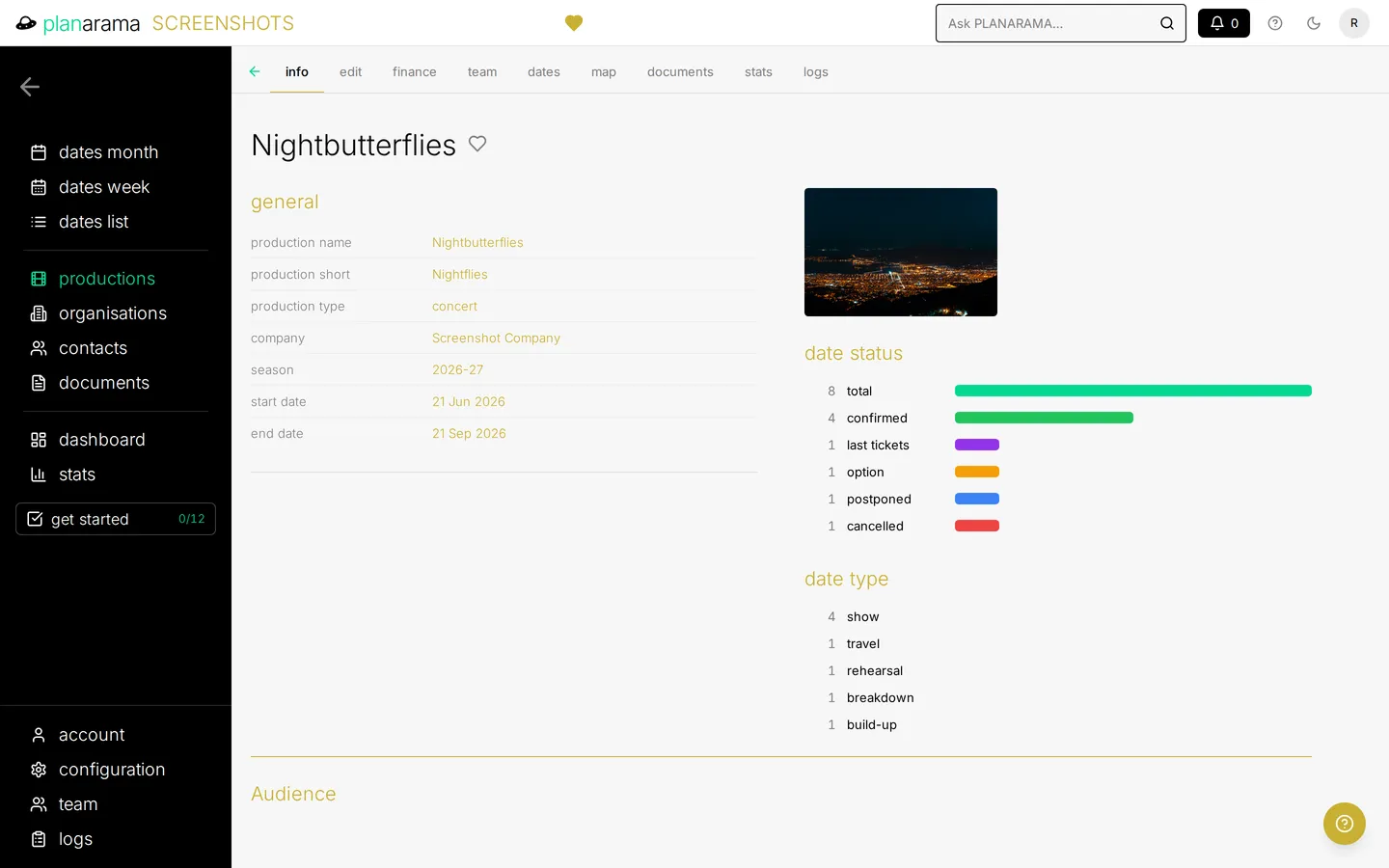
A single production's page, with its general details alongside a breakdown of its dates by status and by type.
production page — One page per production: info, dates, team, documents and history.
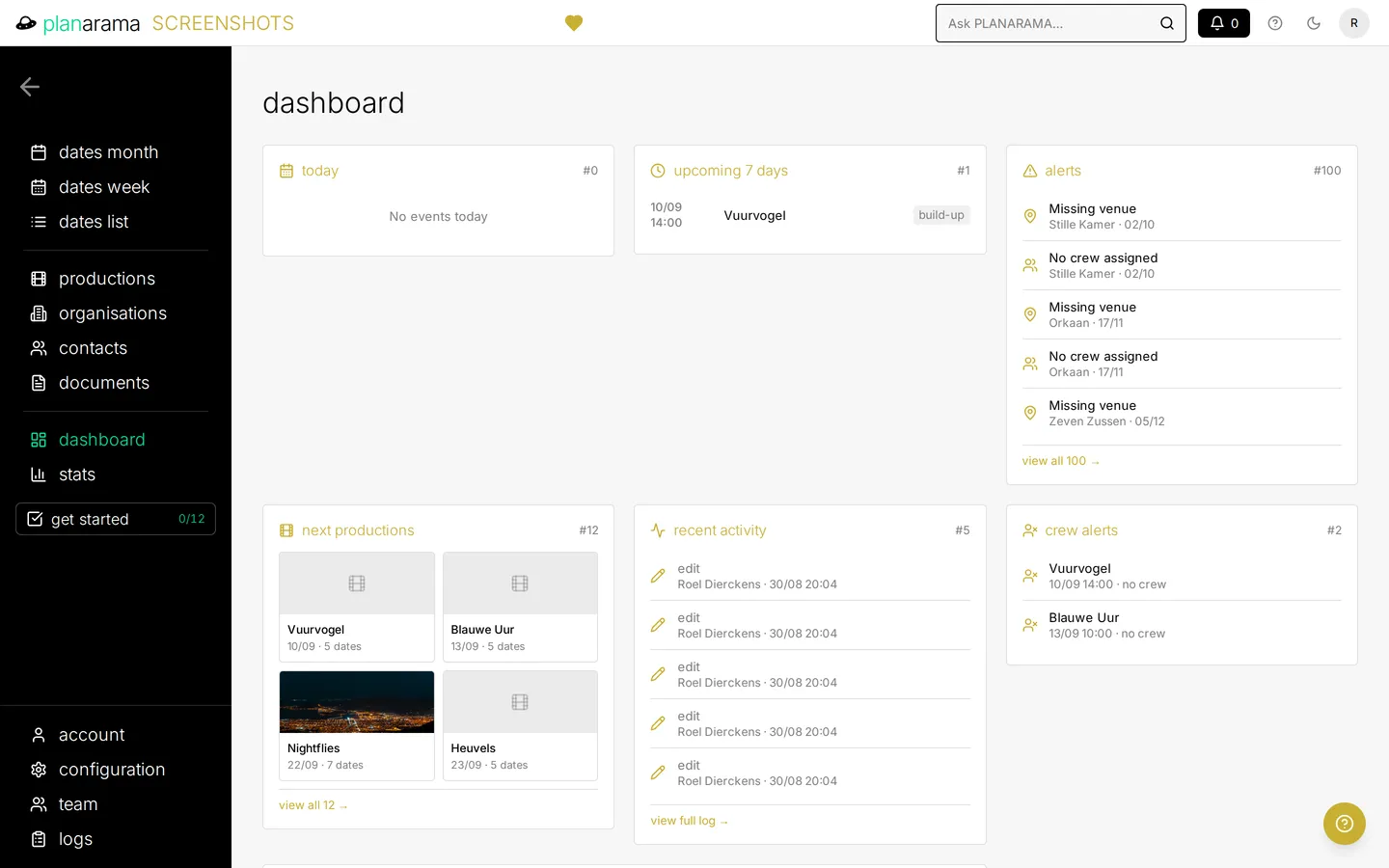
The dashboard, with panels for today's activities, the coming seven days, alerts, upcoming productions, recent activity and crew alerts.
dashboard — Today, the next seven days, alerts and recent activity on one board.
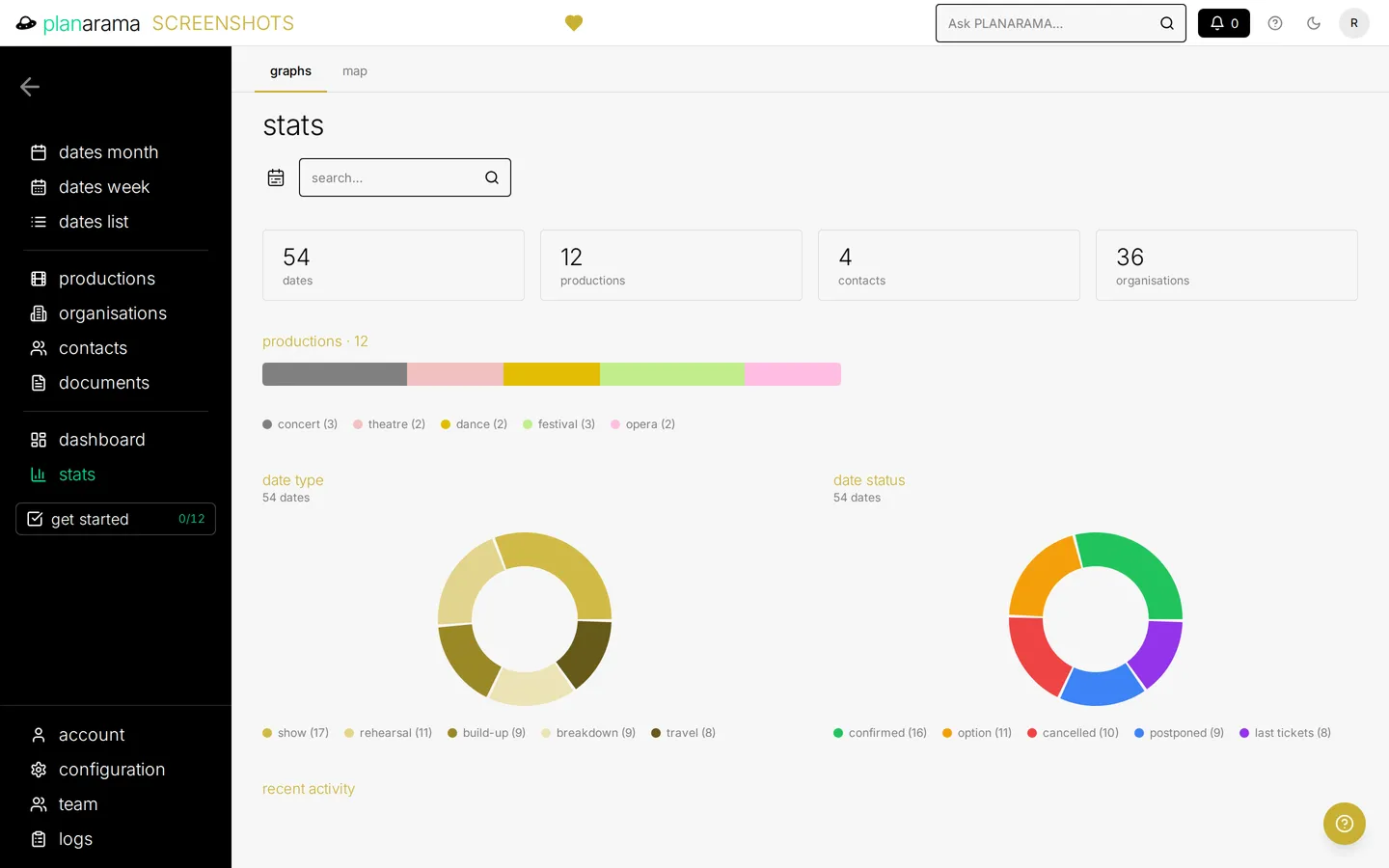
The statistics screen, with totals for dates, productions, contacts and organisations, a bar splitting productions by type, and donut charts breaking dates down by type and by status.
stats — Charts, figures and a live activity log across your operation.
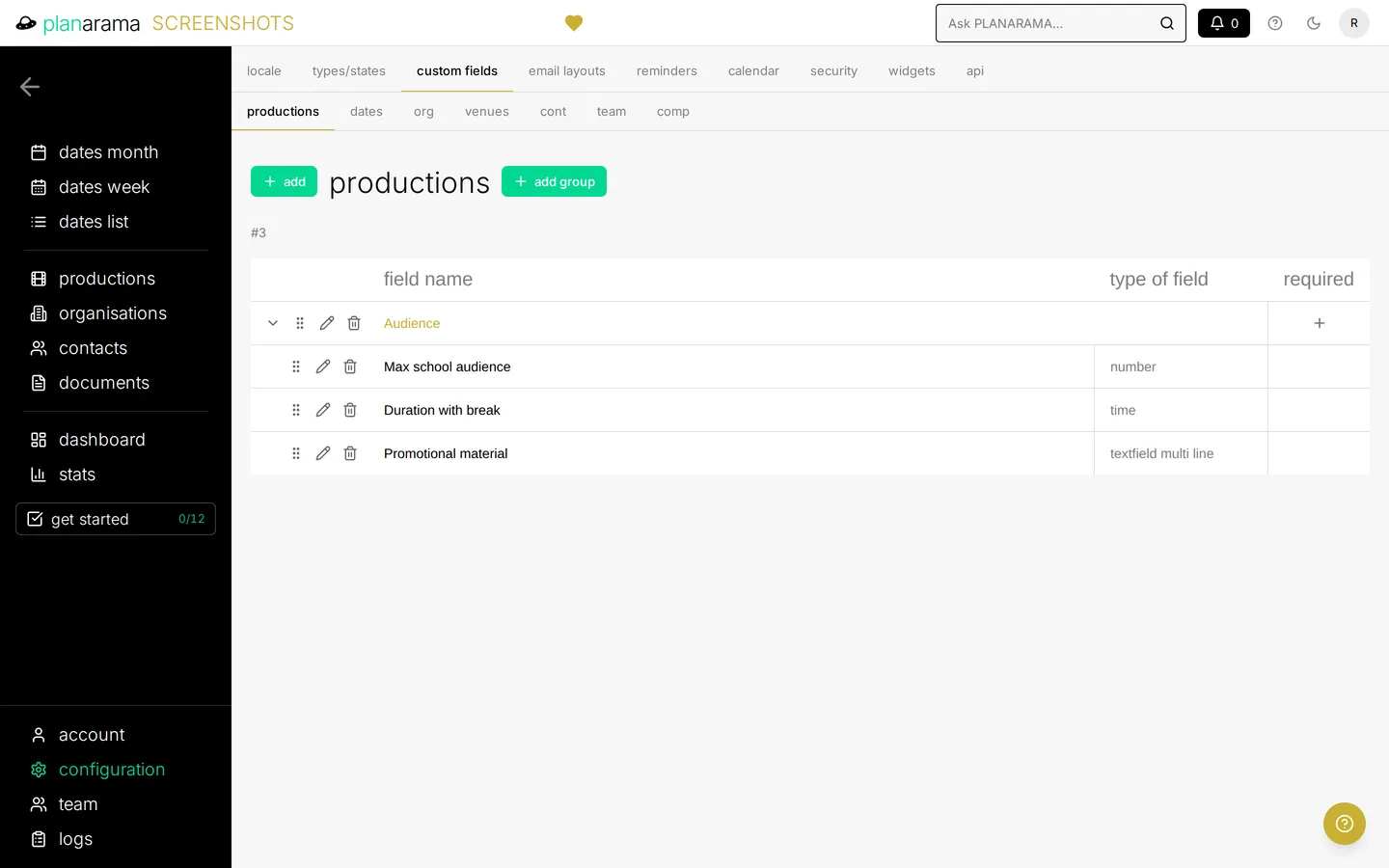
The custom fields configuration, showing a group of extra production fields with the field type of each.
custom fields — Add your own fields to dates, productions, organisations and contacts.
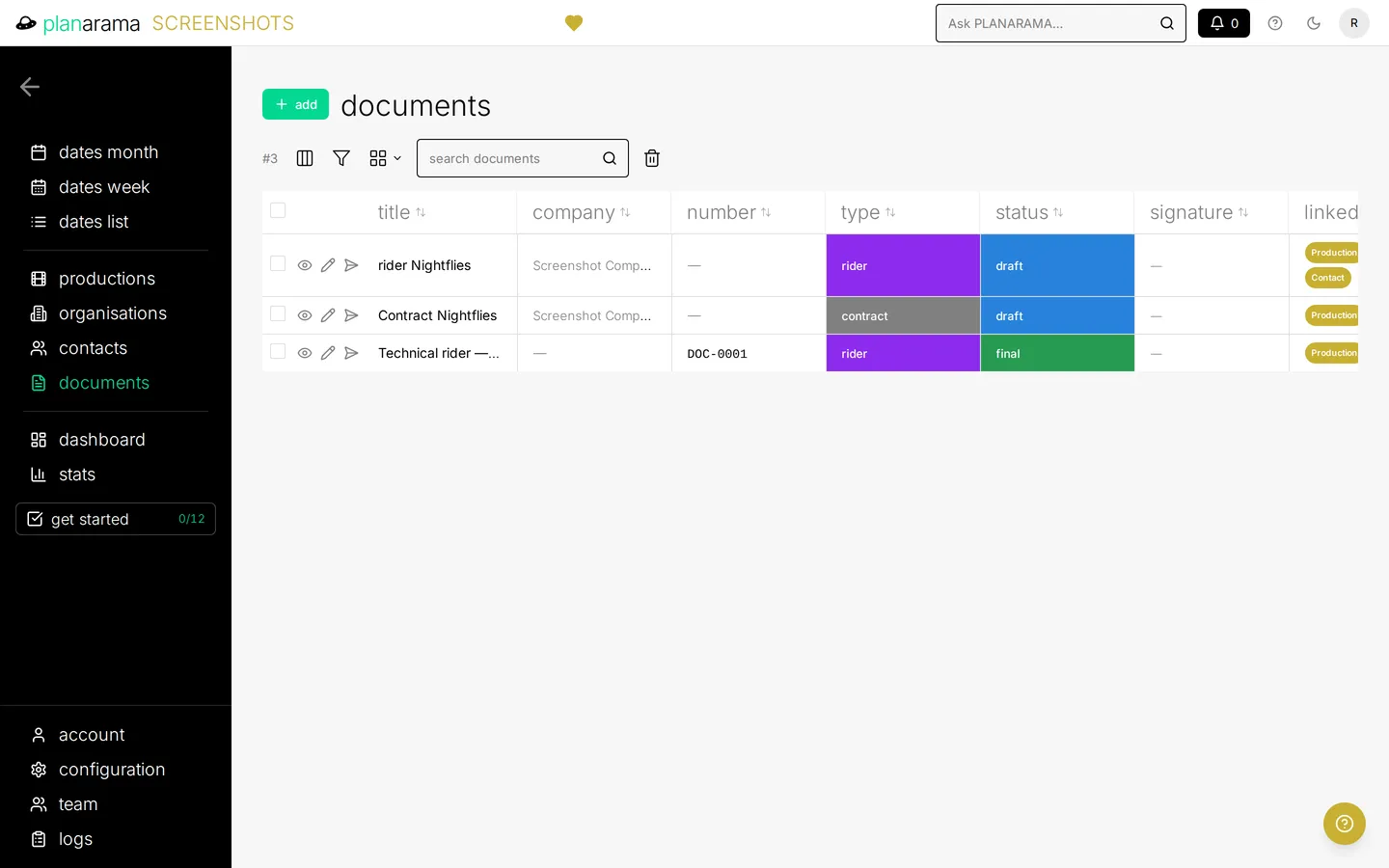
The documents list, showing each document's title, number, colour-coded type and status, and the productions and organisations it is linked to.
documents — Every contract and rider in one list, with status and everything it links to.
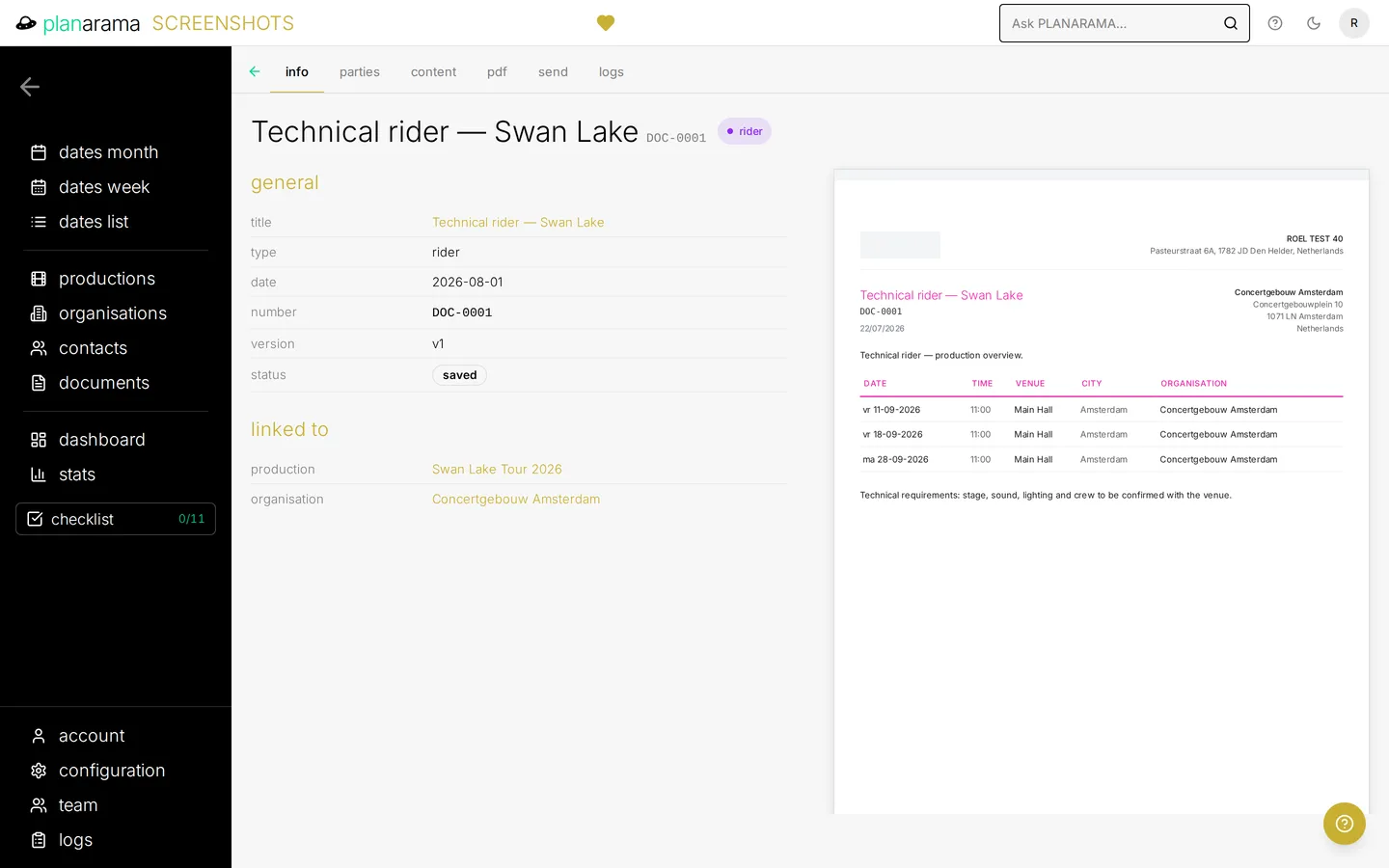
A contract document, with its title, type, version and draft status, the production, company, team member and organisation it is linked to, and a preview of the PDF with a line table and VAT totals.
document generation — Contracts and riders generated straight from your data.
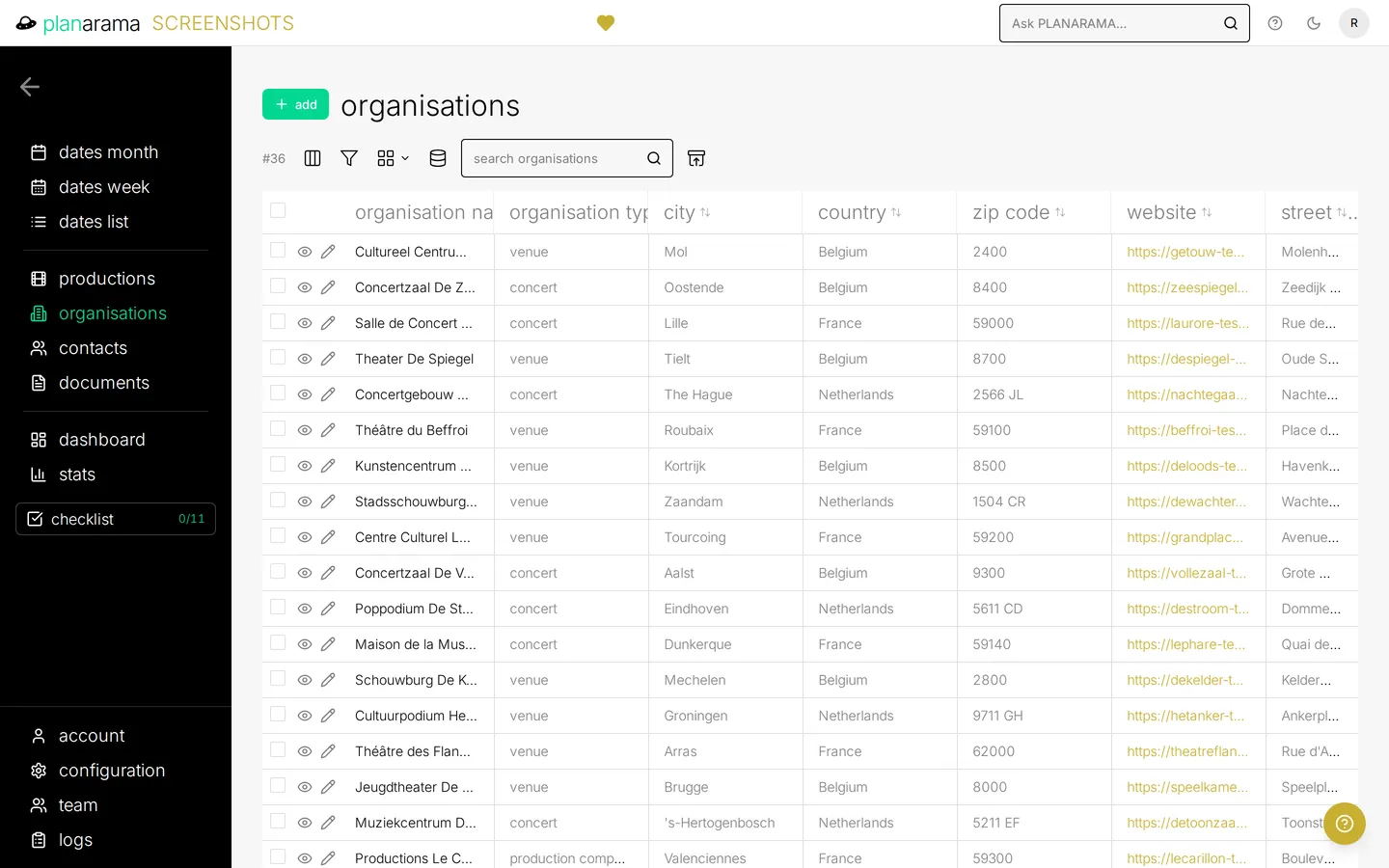
The organisations list, showing each organisation's type, city and country.
organisations — A full CRM for venues, promoters, schools and every other party.
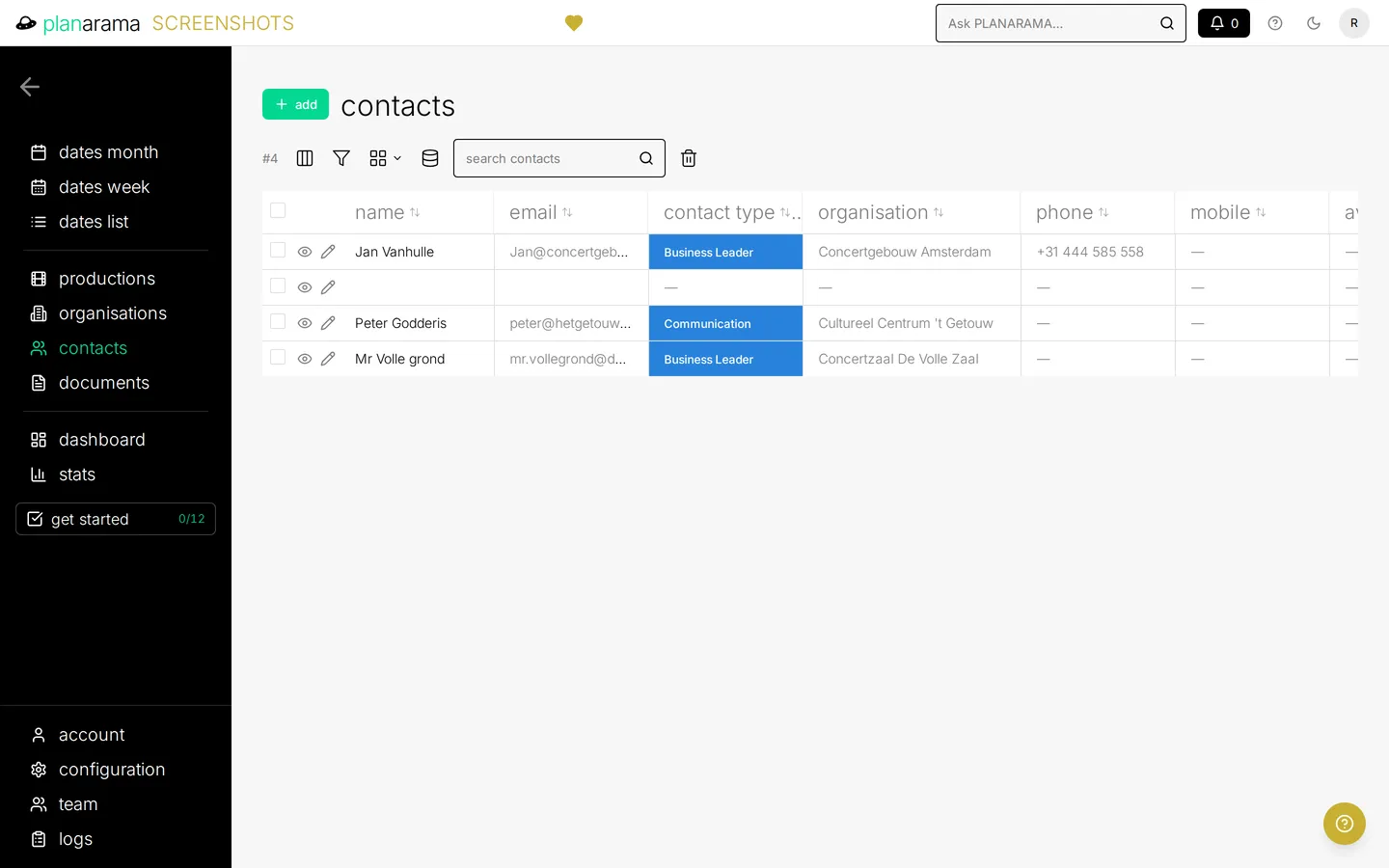
The contacts list, showing each contact's name, email address, contact type and organisation.
contacts — The people behind every organisation, with their role and contact details.

READY FOR LAUNCH?

Start your free 15-day trial

No credit card required